QR & Barcode Scanner
Scan any code instantly and keep a searchable history.
UtilitiesScan, convert, edit, translate and measure — without downloading a dozen separate apps. Utility Toolbox keeps a QR scanner, PDF toolkit, speed test, OCR and 18 more tools behind a single icon.
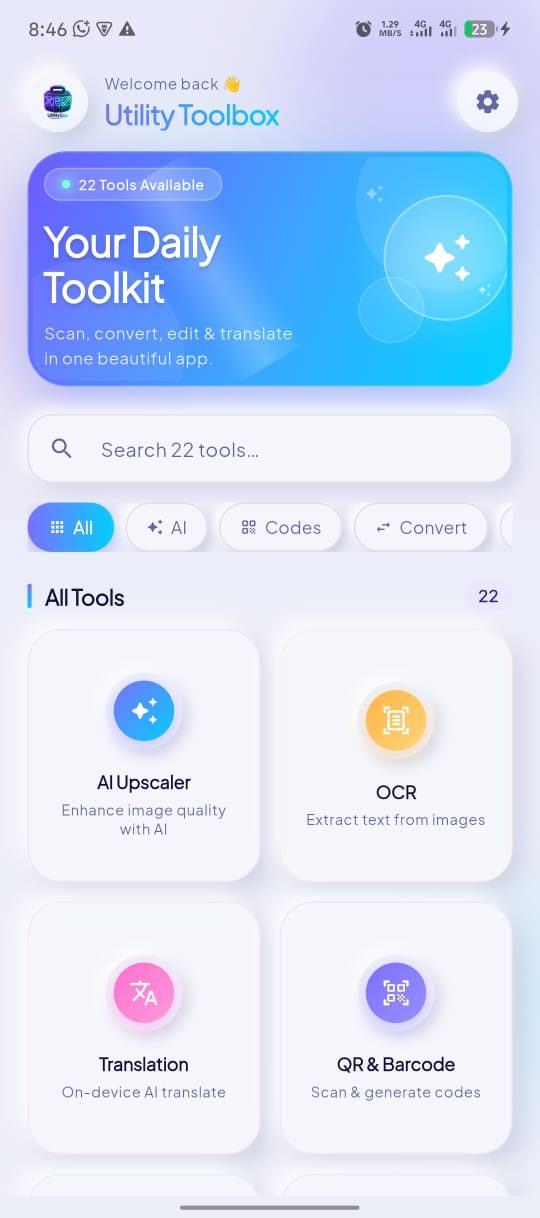
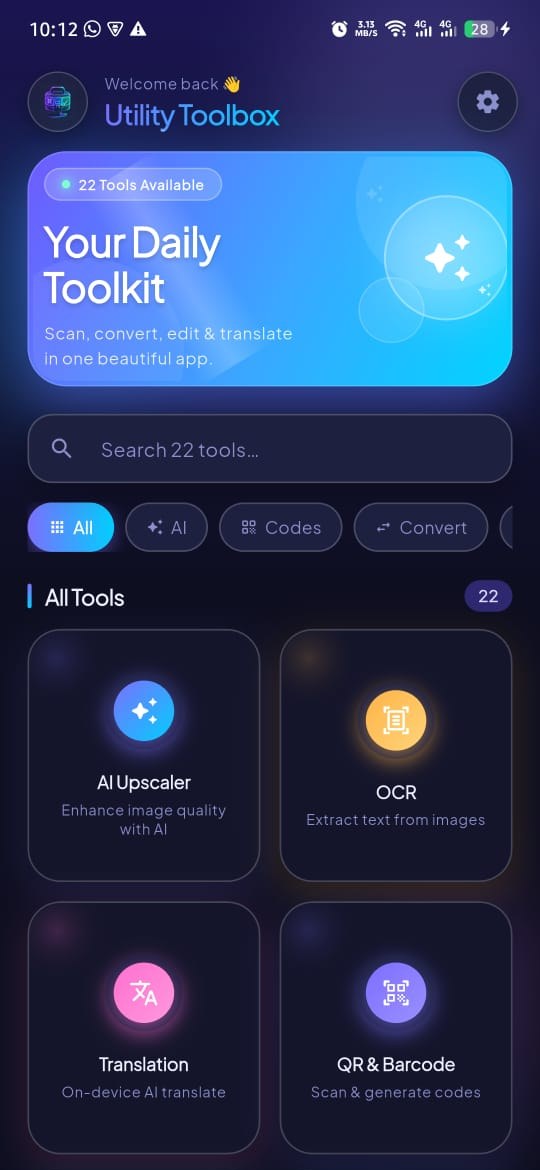
Home — all 22 tools, one search away
22 focused tools for documents, networks, images and everyday maths — grouped so the right one is never more than two taps away.
22
Scan any code instantly and keep a searchable history.
UtilitiesMerge, split, rotate and compress PDF files on your phone.
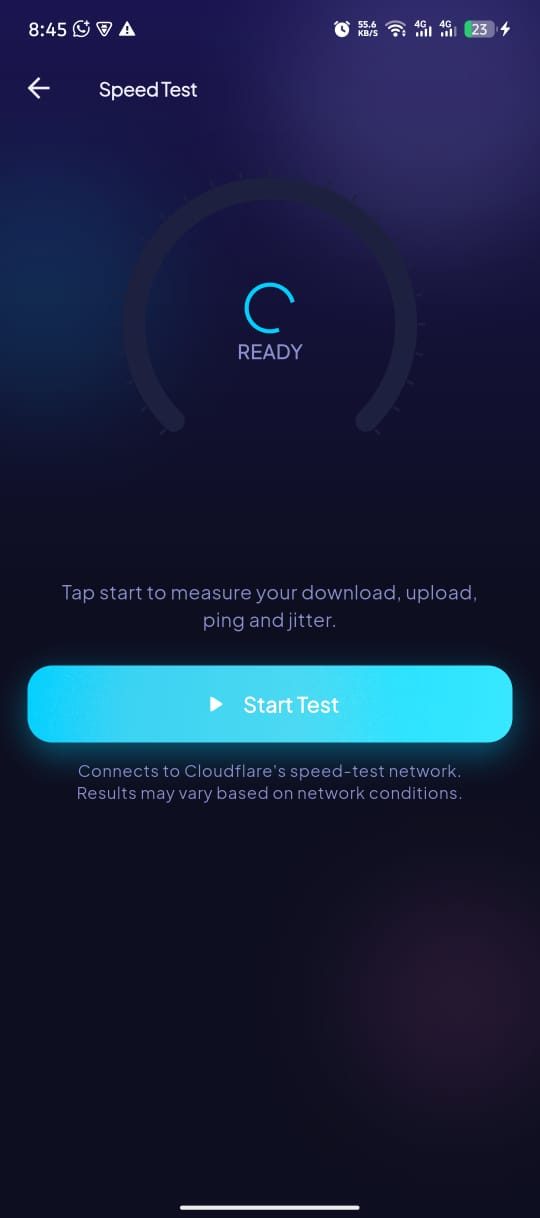
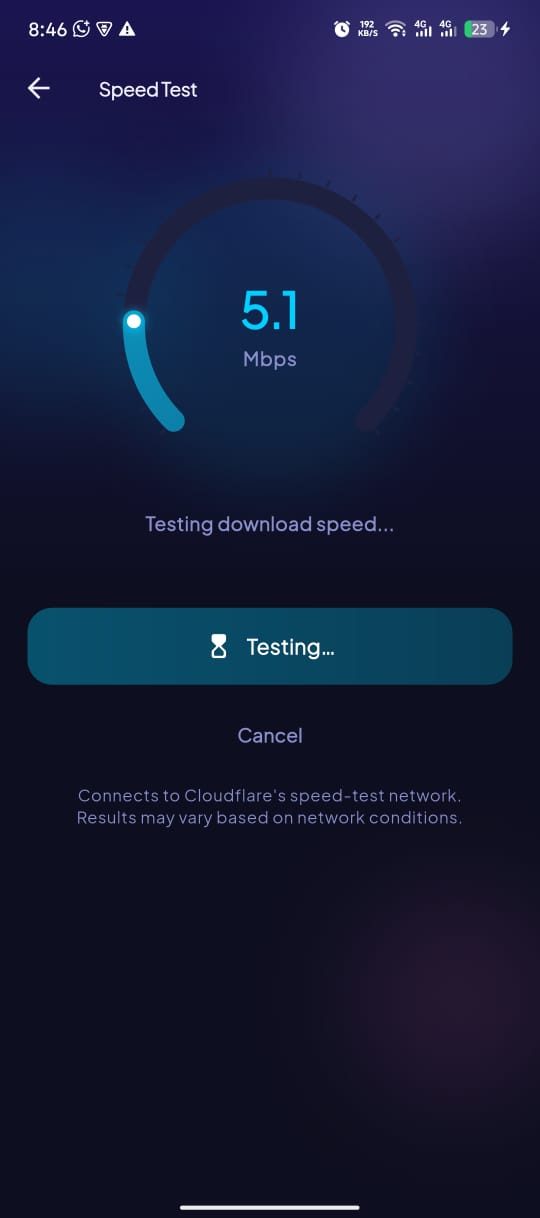
ProductivityMeasure download, upload and ping in a few seconds.
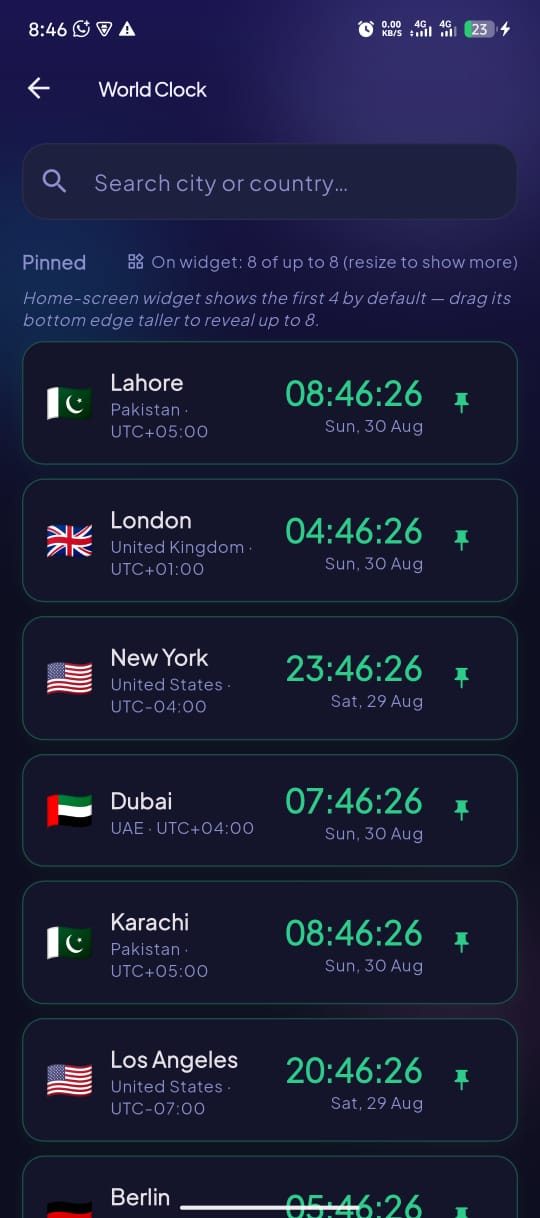
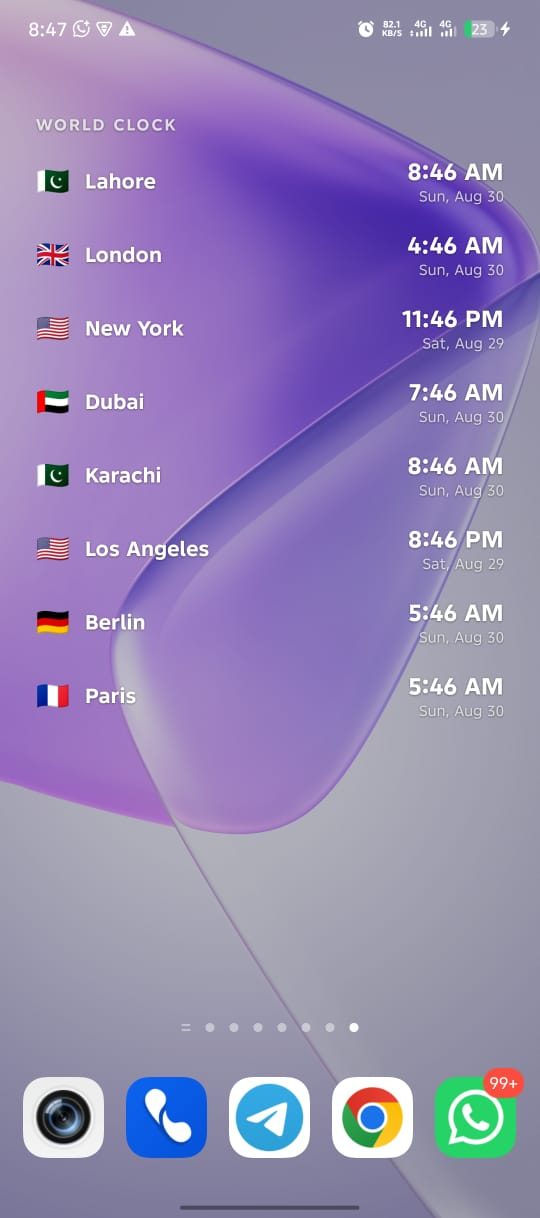
UtilitiesTrack time across cities with a home-screen widget.
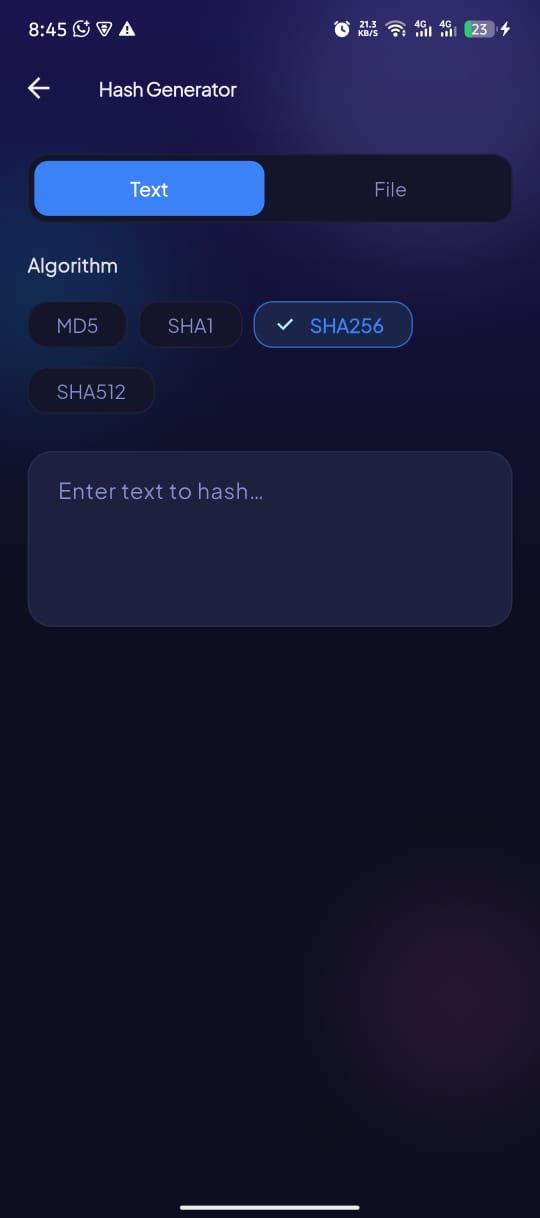
ProductivityCreate MD5, SHA-1, SHA-256 and SHA-512 hashes for text or files.
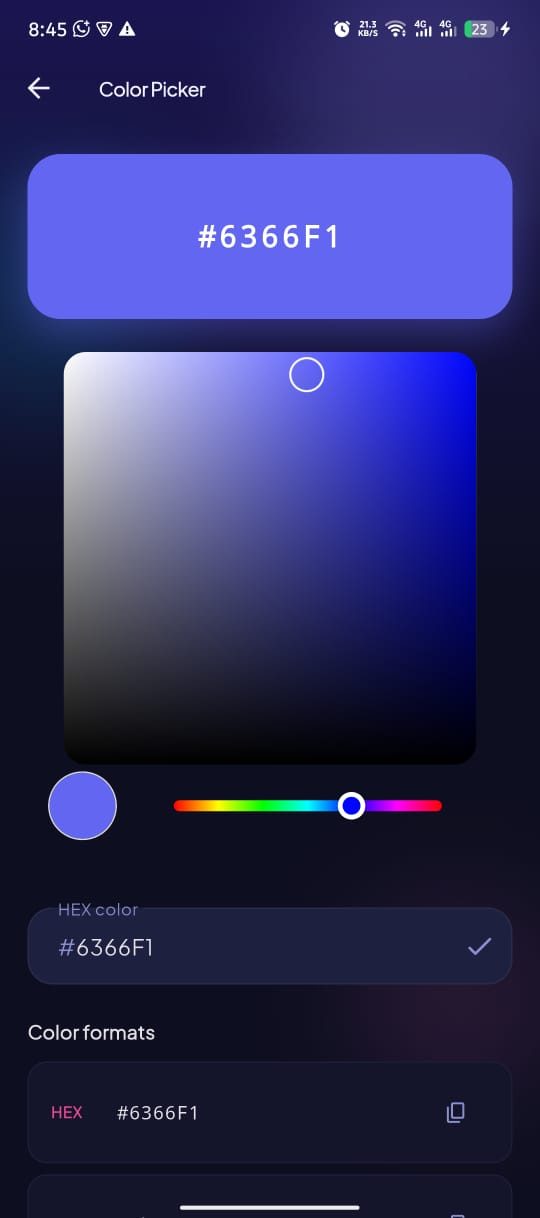
UtilitiesPick colors and copy HEX, RGB or HSL in one tap.
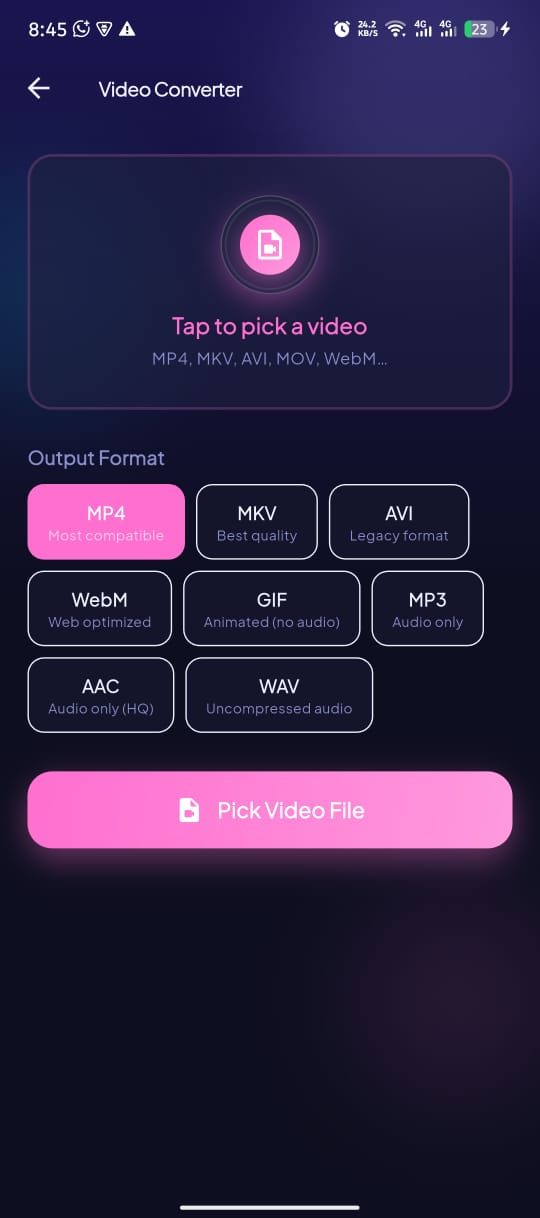
ProductivityConvert and trim clips into the format you actually need.
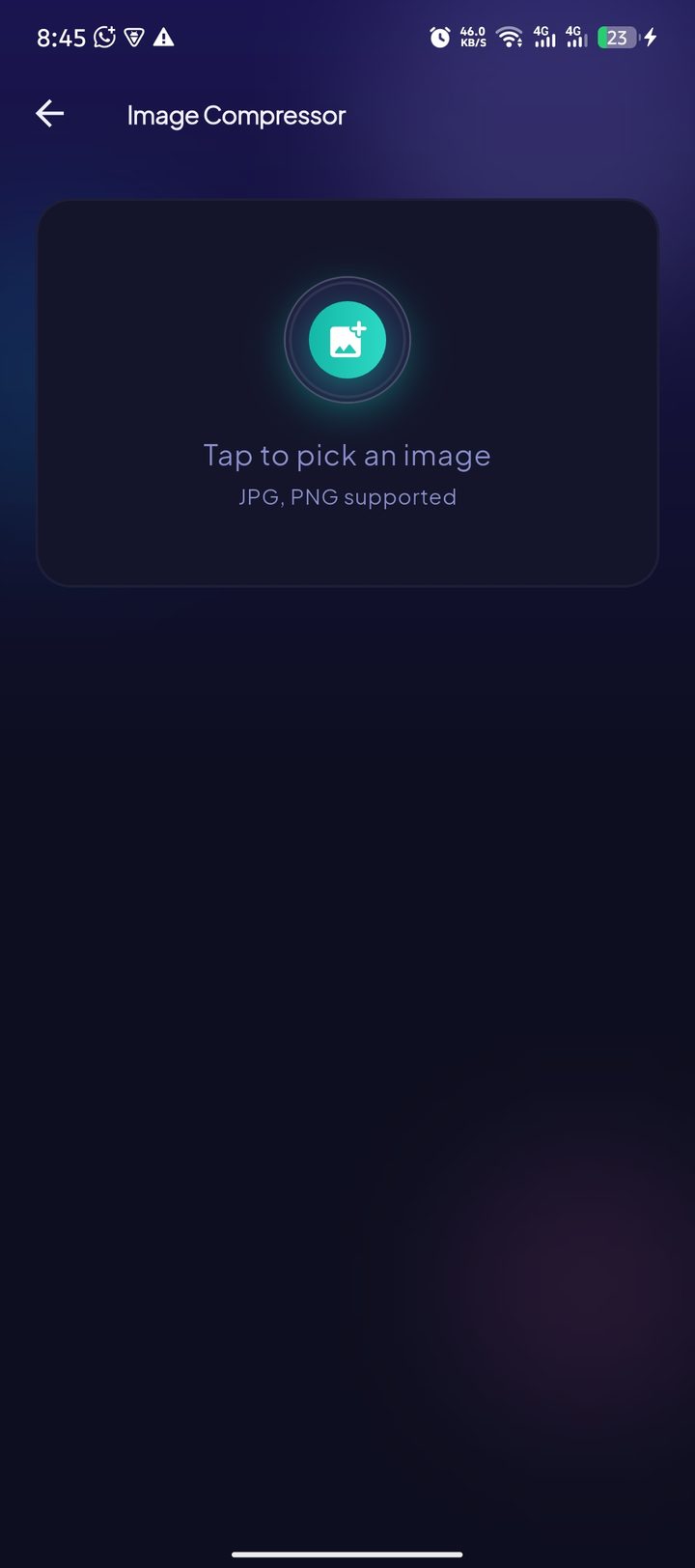
ConvertersShrink photos for sharing without visible quality loss.
ConvertersTurn documents into clean, shareable PDF files.
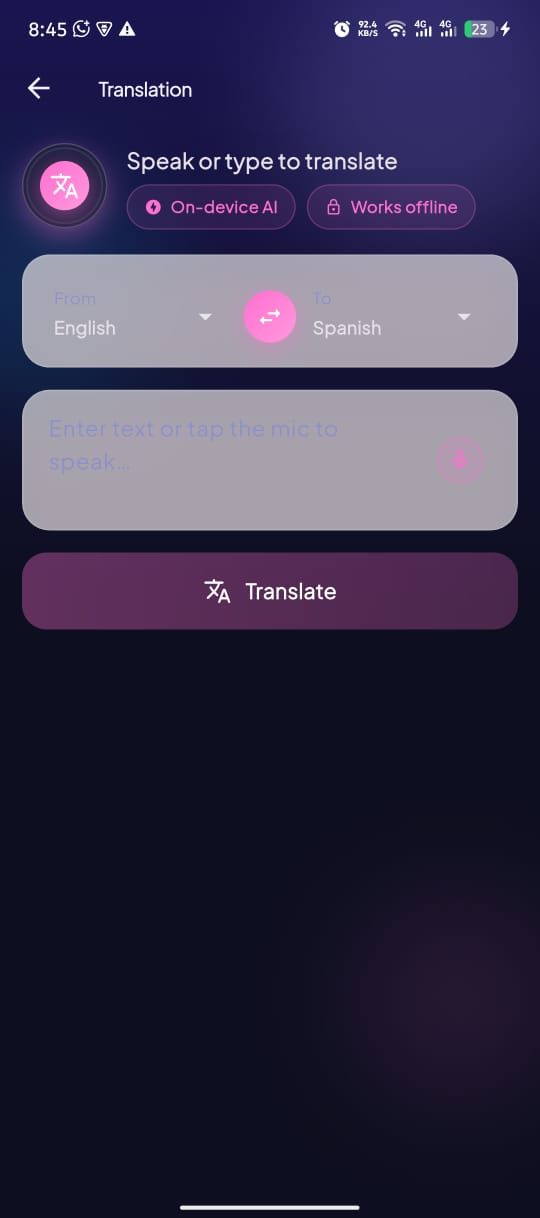
ConvertersTranslate text between dozens of languages naturally.
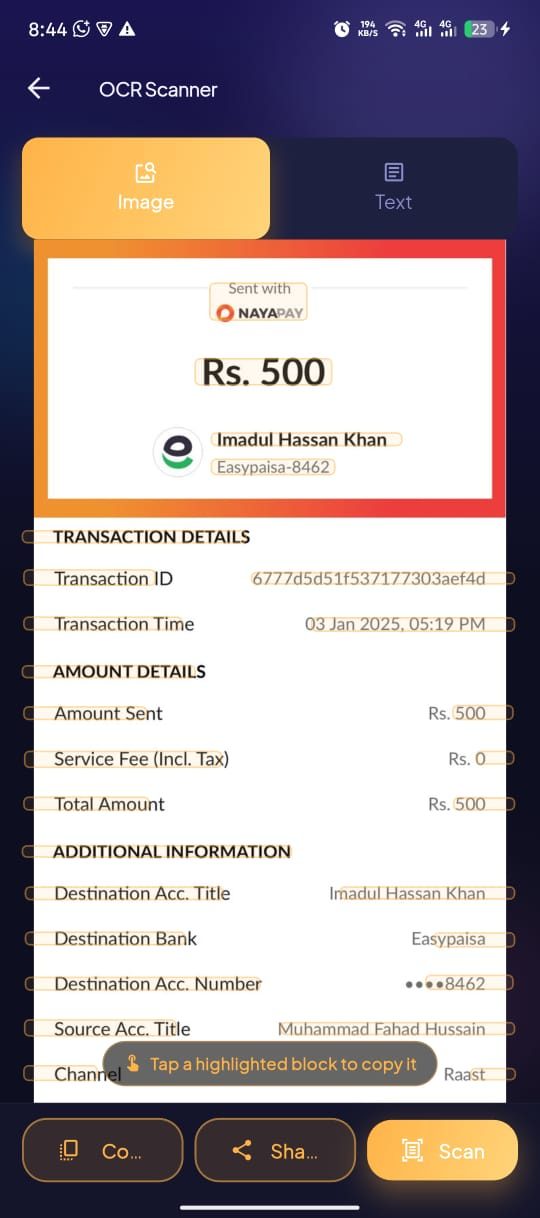
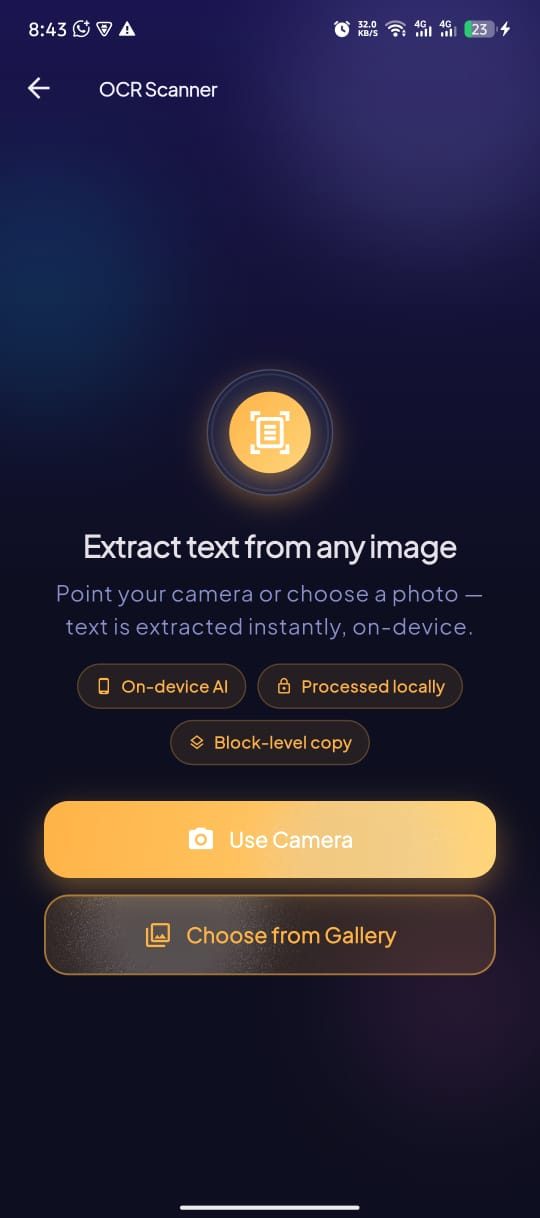
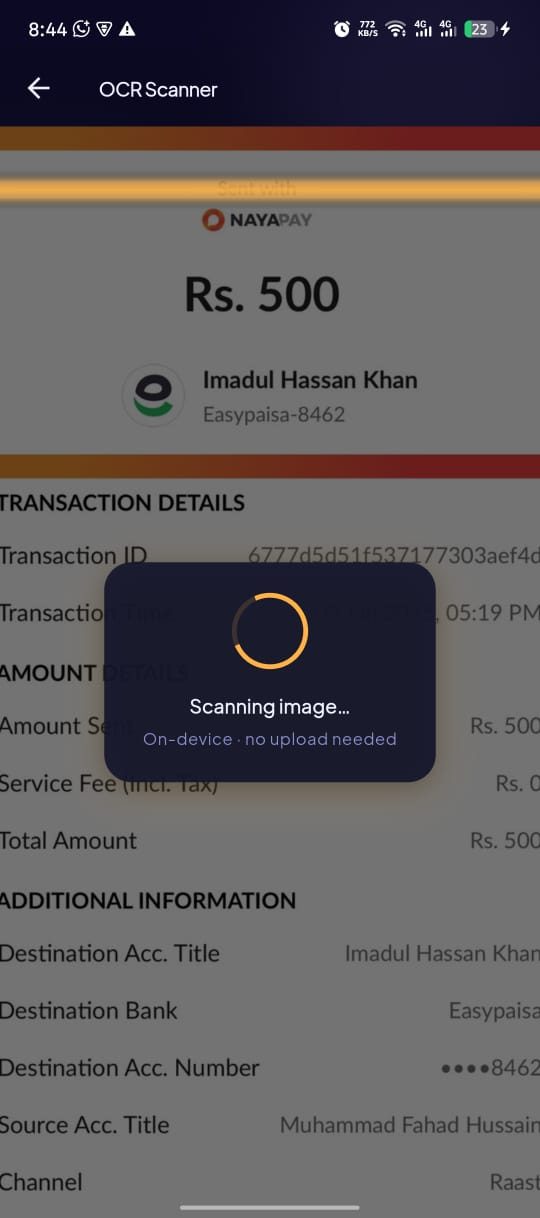
AI ToolsLift editable text out of photos, receipts and screenshots.
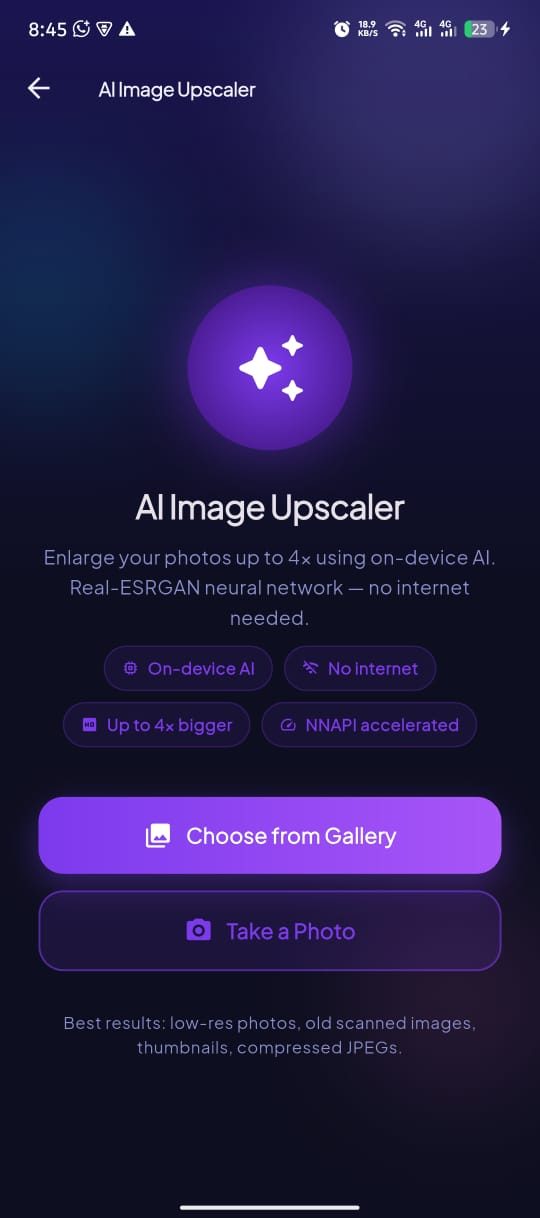
AI ToolsSharpen and enlarge photos without the blur.
AI ToolsBuild strong, random passwords with the rules you choose.
UtilitiesWork out EMI, interest and a full amortization schedule.
ProductivityLook up IP details and ping any host from your phone.
UtilitiesA precise digital compass with true and magnetic north.
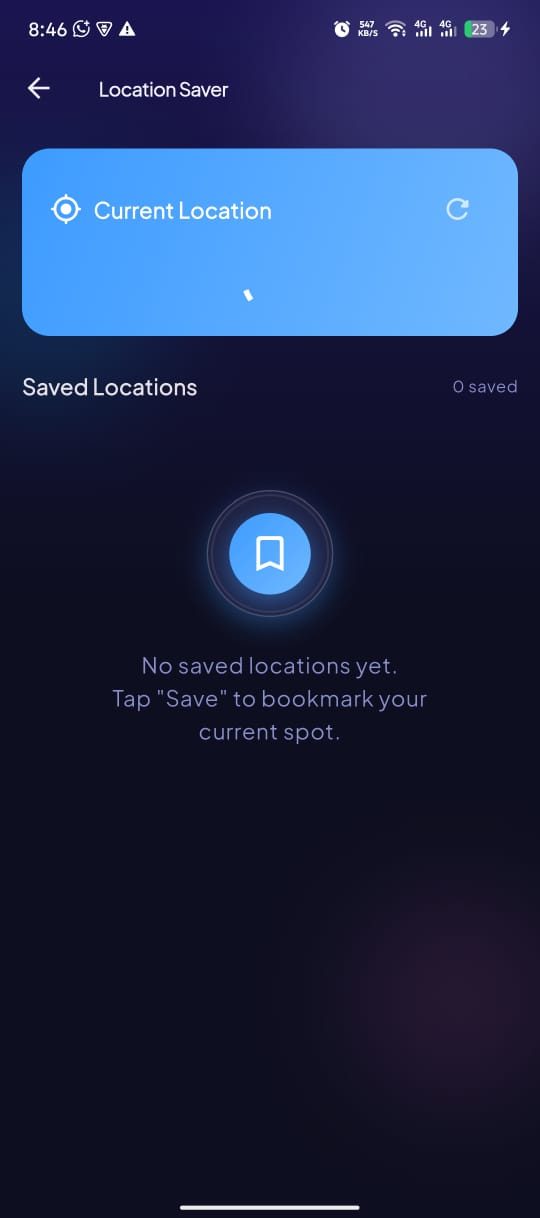
UtilitiesBookmark where you parked and find your way back.
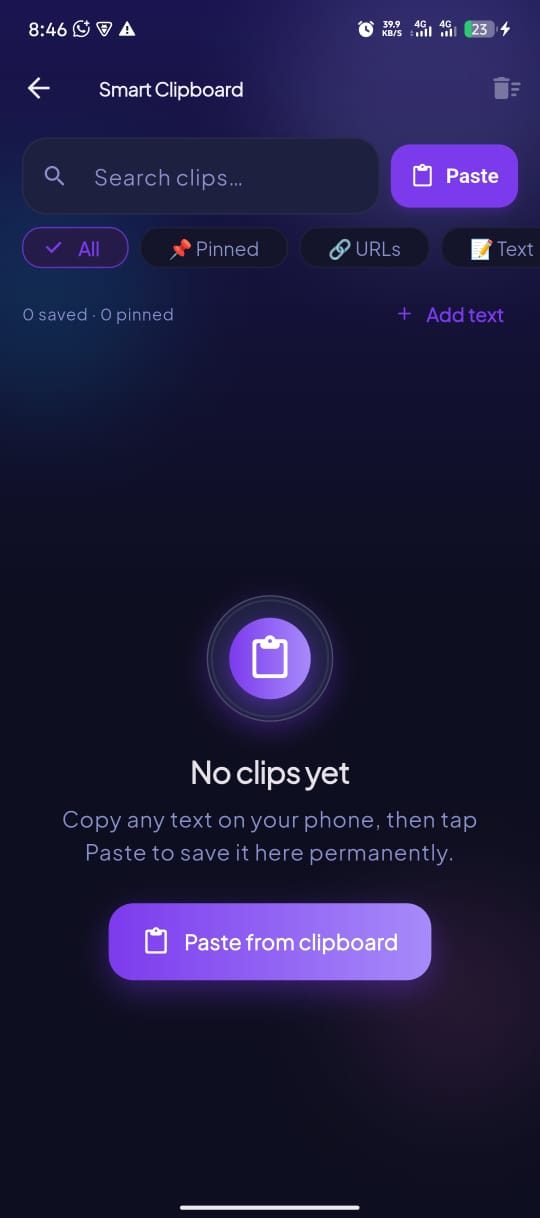
UtilitiesEvery copied snippet saved, pinned and searchable.
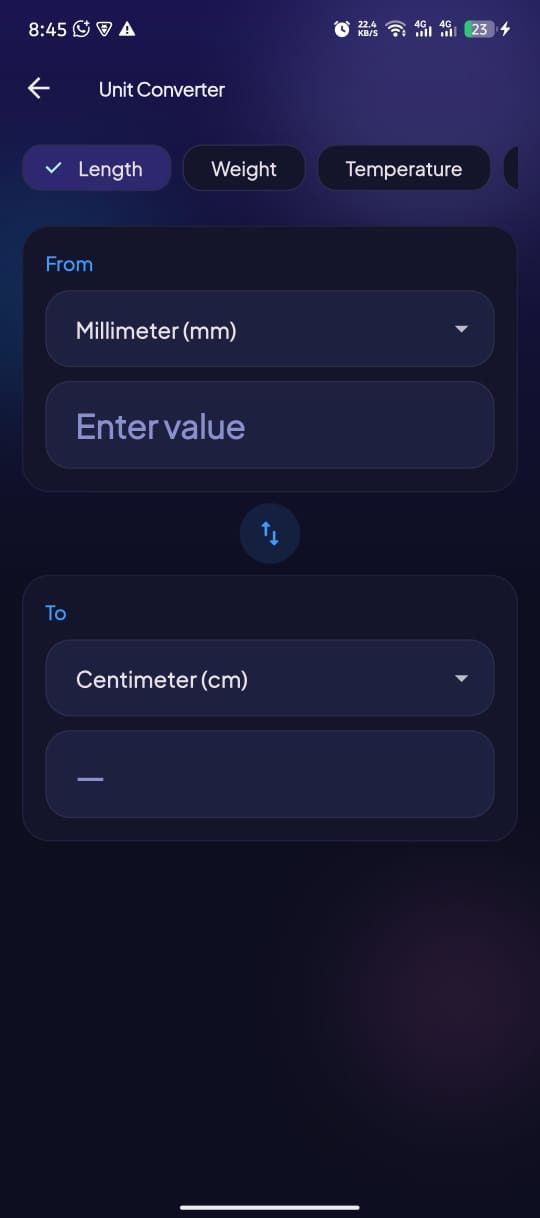
ProductivityLength, weight, temperature, data and currency in one place.
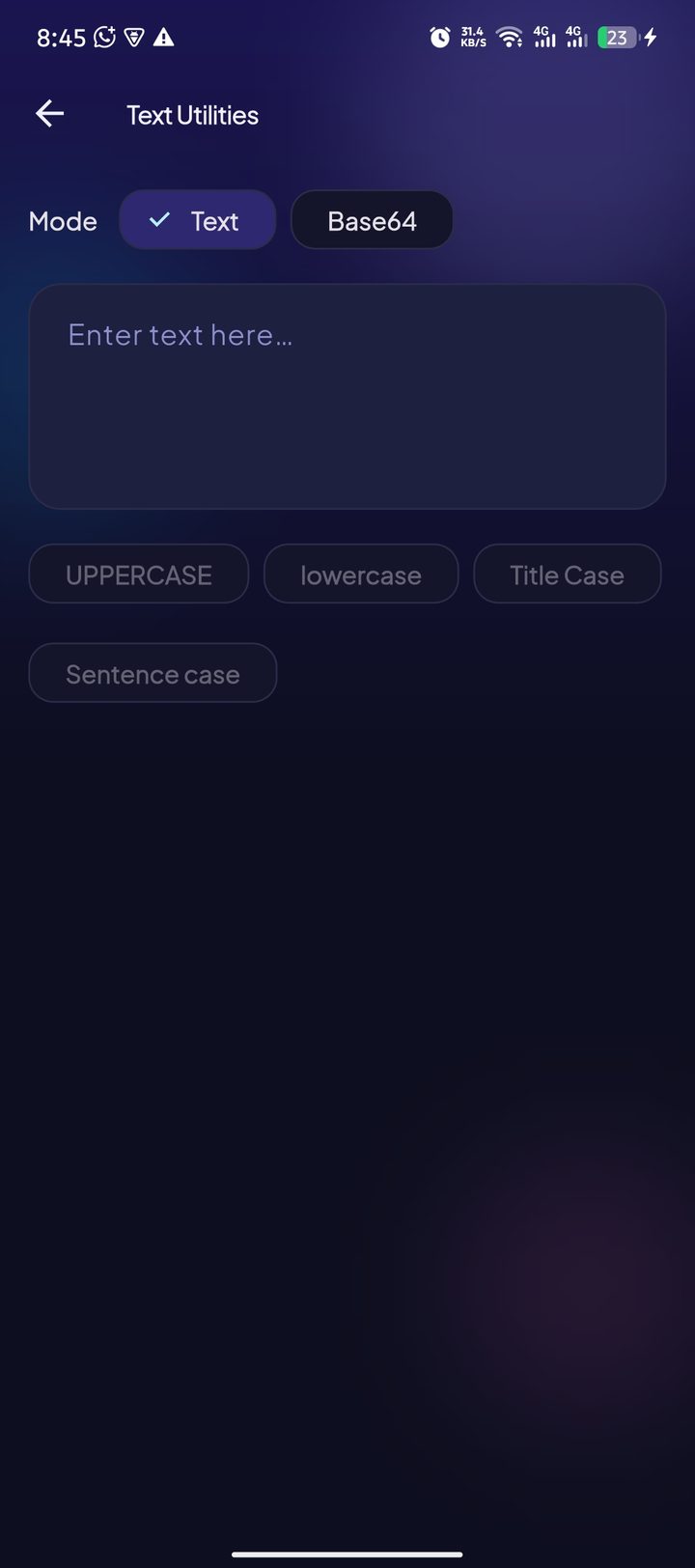
ConvertersChange case, count words and encode or decode strings.
ProductivityShare your WiFi password as a QR code guests can scan.
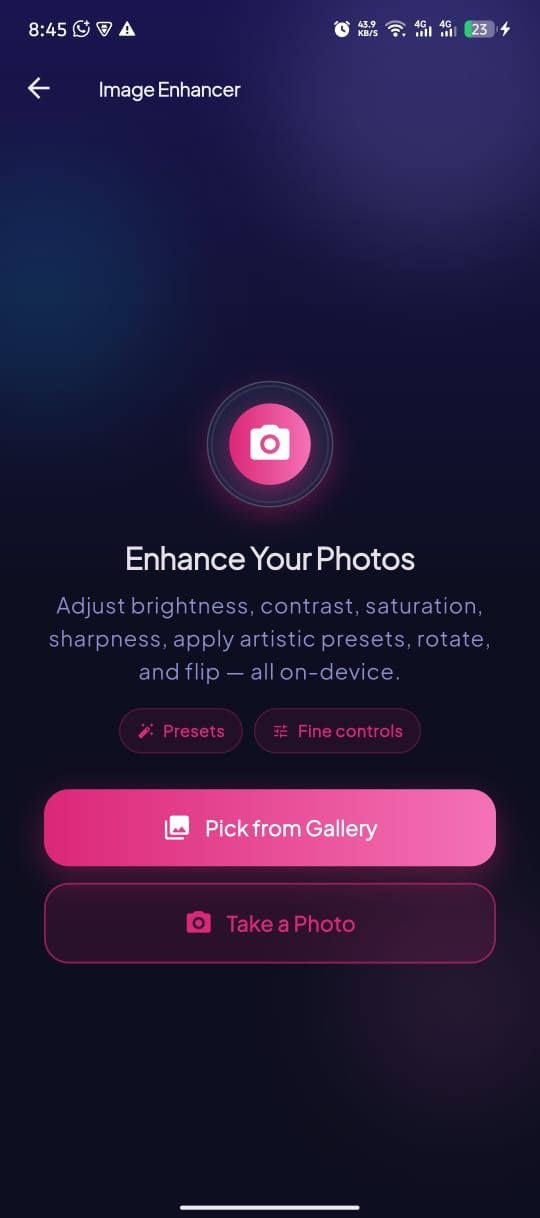
UtilitiesCrop, filter and sharpen images right after you shoot them.
AI ToolsHow it works
Every tool follows the same four-step flow — pick a tool, choose a file or type your input, let the phone process it, then share the result. No watermark, no subscription wall, and most everyday tasks stay on your device. Only the AI Upscaler sends an image to a cloud service; everything else works offline.
Download the free Utility Toolbox app from Google Play and delete the separate QR scanner, PDF converter, image compressor and speed test app you were keeping. One install, 22 Android tools, no account and no sign-up form.
The home screen is a searchable grid. Type "pdf", "qr" or "ocr", or tap a category chip — Productivity, AI Tools, Utilities or Converters — to narrow 22 tools down to the handful that match the job in front of you.
PDF conversion, OCR text recognition, image compression, video conversion, hashing and unit conversion all run locally on the phone, so they stay fast and usable in airplane mode. The AI Upscaler is the exception: it sends your image to our processing service and deletes it after the result comes back.
Save the finished PDF, compressed photo, extracted text or generated QR code straight to your gallery or files, or push it into WhatsApp, Gmail, Drive or any app through the standard Android share sheet.
No mockup fiction — these are the actual screens you get after installing Utility Toolbox on Android.
Home — all 22 tools, one search away
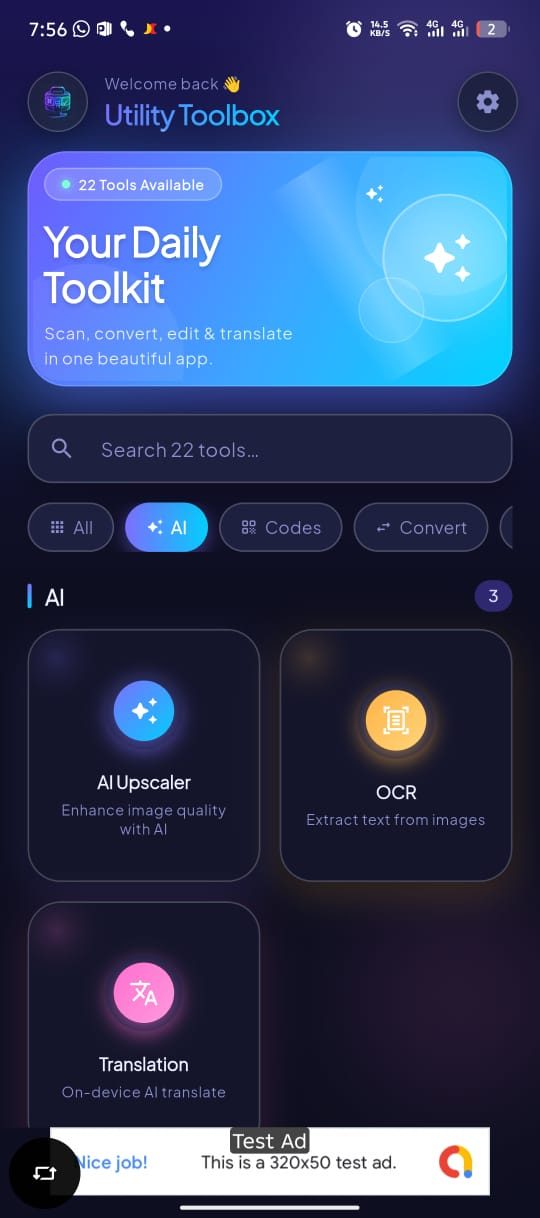
Filter chips narrow 22 tools to the set you need
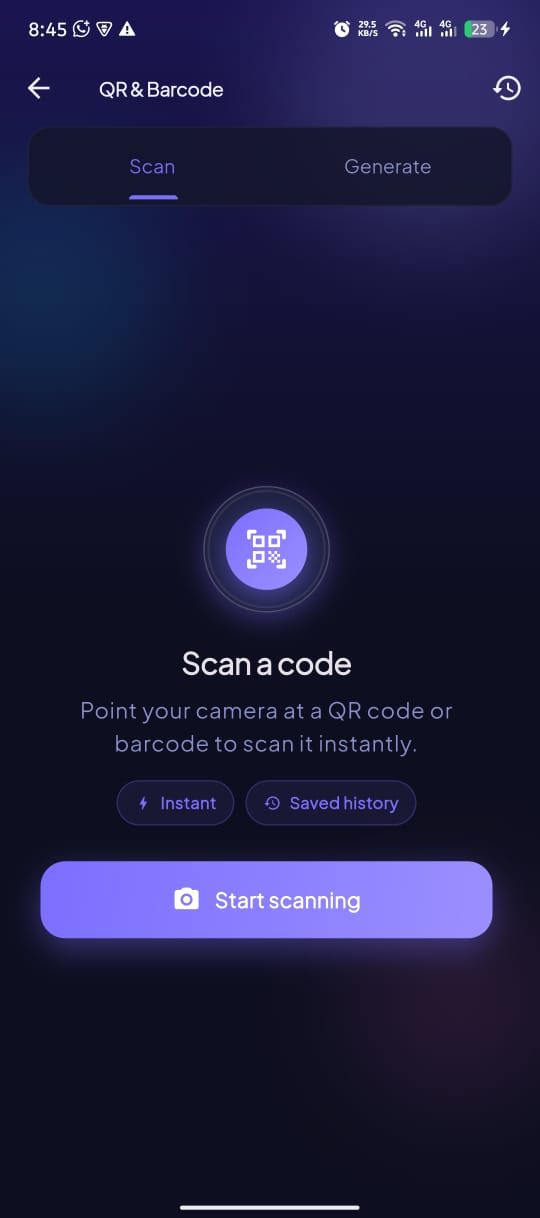
QR & Barcode — scan or generate, with history
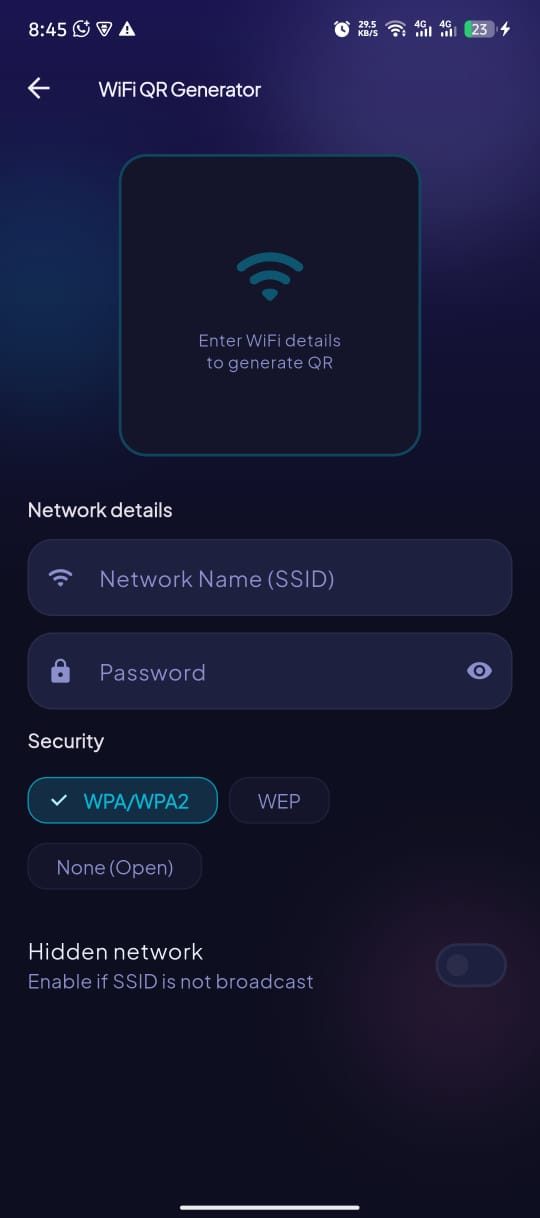
WiFi QR — share your network without typing it
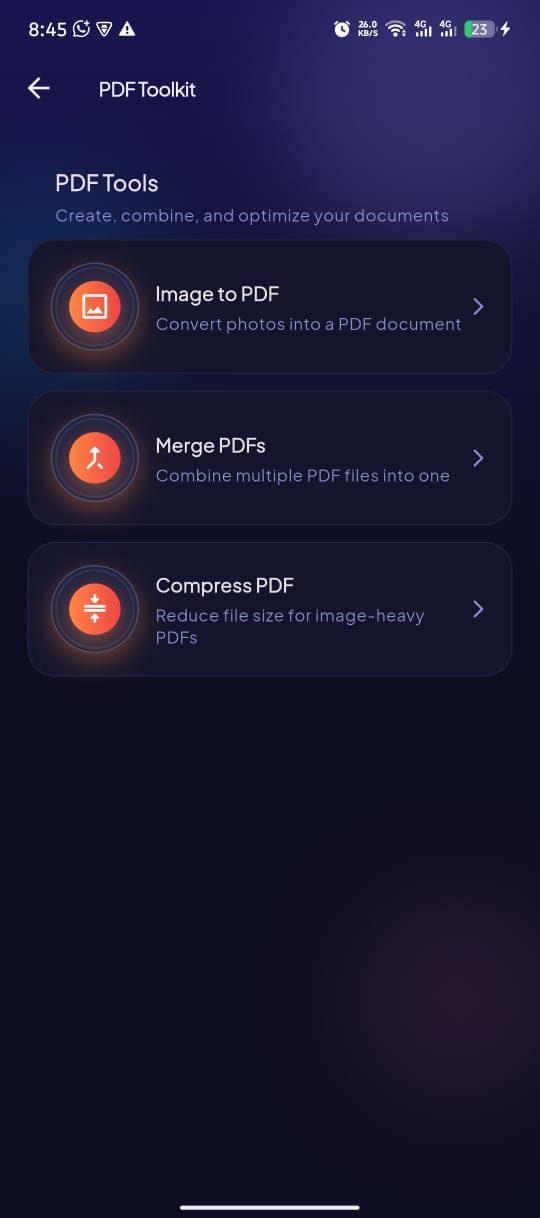
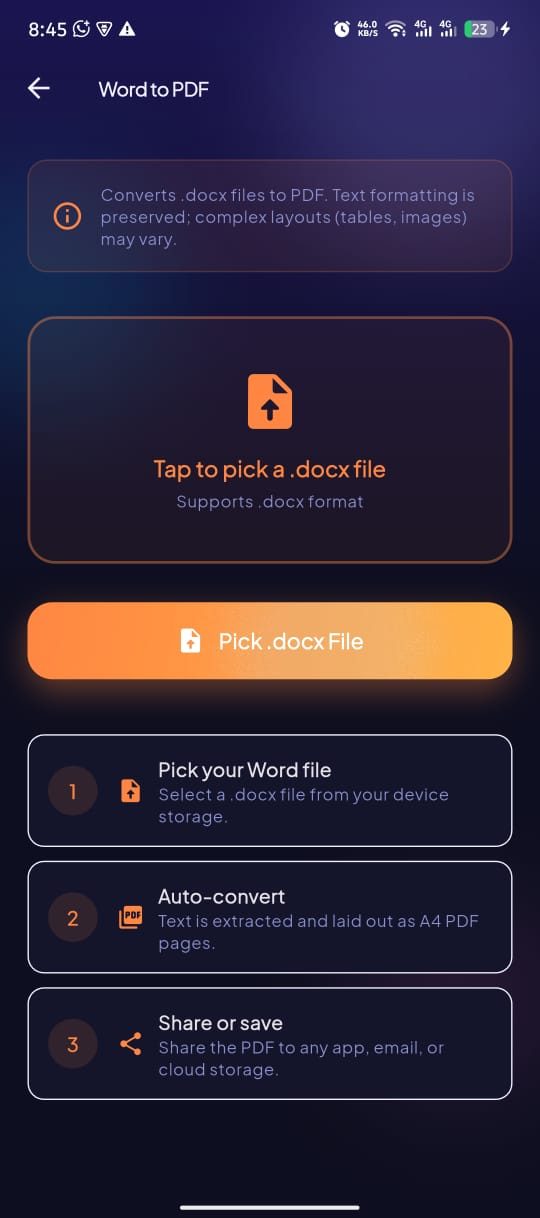
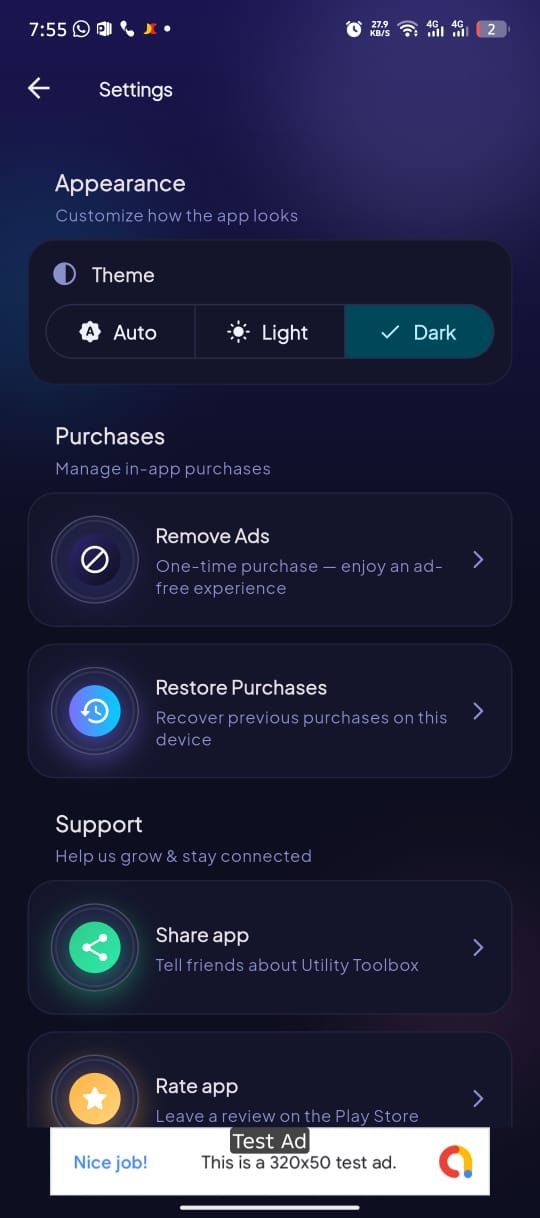
Every tool is free to use. A single optional purchase removes ads for good — no subscriptions.
01Install and start working. No sign-up, no email, no profile to manage.
02Converters, calculators, generators and the clipboard keep running without a connection.
03The toolbox keeps growing — new utilities ship alongside performance fixes.
04Guides
Real workflows written for real problems: converting images to PDF for a portal that caps files at 2 MB, sharing WiFi with a QR code instead of spelling out a password, pulling text off a receipt with offline OCR, and testing internet speed accurately enough to argue with your ISP.
A practical checklist for comparing Android toolbox apps: useful features, offline support, permissions, privacy and ads.
Read the guide →Reading a 24-character WiFi password out loud never goes well. Generate a WiFi QR code instead and let guests join your network by pointing a camera at your screen — here is exactly how, plus the safety details most guides skip.
Read the guide →A single speed test result tells you almost nothing. Here is how to run repeatable tests on your phone, what download, upload, ping and jitter actually mean for video calls and streaming, and how to build evidence your ISP cannot dismiss.
Read the guide →FAQ
Everything about pricing, privacy, offline support, permissions and what is inside this free all-in-one Android utility app.
Yes. All 22 tools are free to use on Android, with no trial period and no feature locked behind a subscription. The app is supported by unobtrusive ads, and there is a single one-time in-app purchase if you would rather remove them.
Most of them do. PDF conversion and merging, OCR text recognition, image compression, video conversion, QR and WiFi QR generation, hashing, unit conversion and text utilities all run entirely on your device. The AI Upscaler, the internet speed test and the IP/ping tools need a connection.
Almost never. Files you convert, compress or scan are processed locally on the phone and are not uploaded. The one exception is the AI Upscaler: the image you choose is sent over an encrypted connection to our processing service, upscaled, returned to your phone and then deleted from the server. Everything else stays on the device.
No account, no email address and no sign-in. Open the app and start using any tool immediately.
QR and barcode scanner, WiFi QR generator, PDF toolkit (image to PDF, Word to PDF, merge, split, rotate, compress), OCR scanner, AI image upscaler, image enhancer, image compressor, video converter, internet speed test, world clock with widget, smart clipboard, location saver, hash generator, colour picker, unit converter, text utilities, AI translation and more — 22 tools in total.
Far less than the four or five single-purpose apps it replaces. Consolidating a scanner, converter, compressor and speed test app typically frees a few hundred megabytes plus their caches.
The app targets modern Android releases and runs on current mid-range and flagship phones and tablets. Check the Google Play listing for the exact minimum version on your device.
Only in context: camera when you open the QR scanner or OCR camera, photo access through the system picker when you choose an image, and location while in use inside the Location Saver. Tools like unit conversion, text utilities and the world clock need no permissions at all.